

当前位置:首页
> Watrt 第12页
Watrt 管理员
暂无介绍
263 篇文章 7 次评论
mcu 8051 ide 使用测试
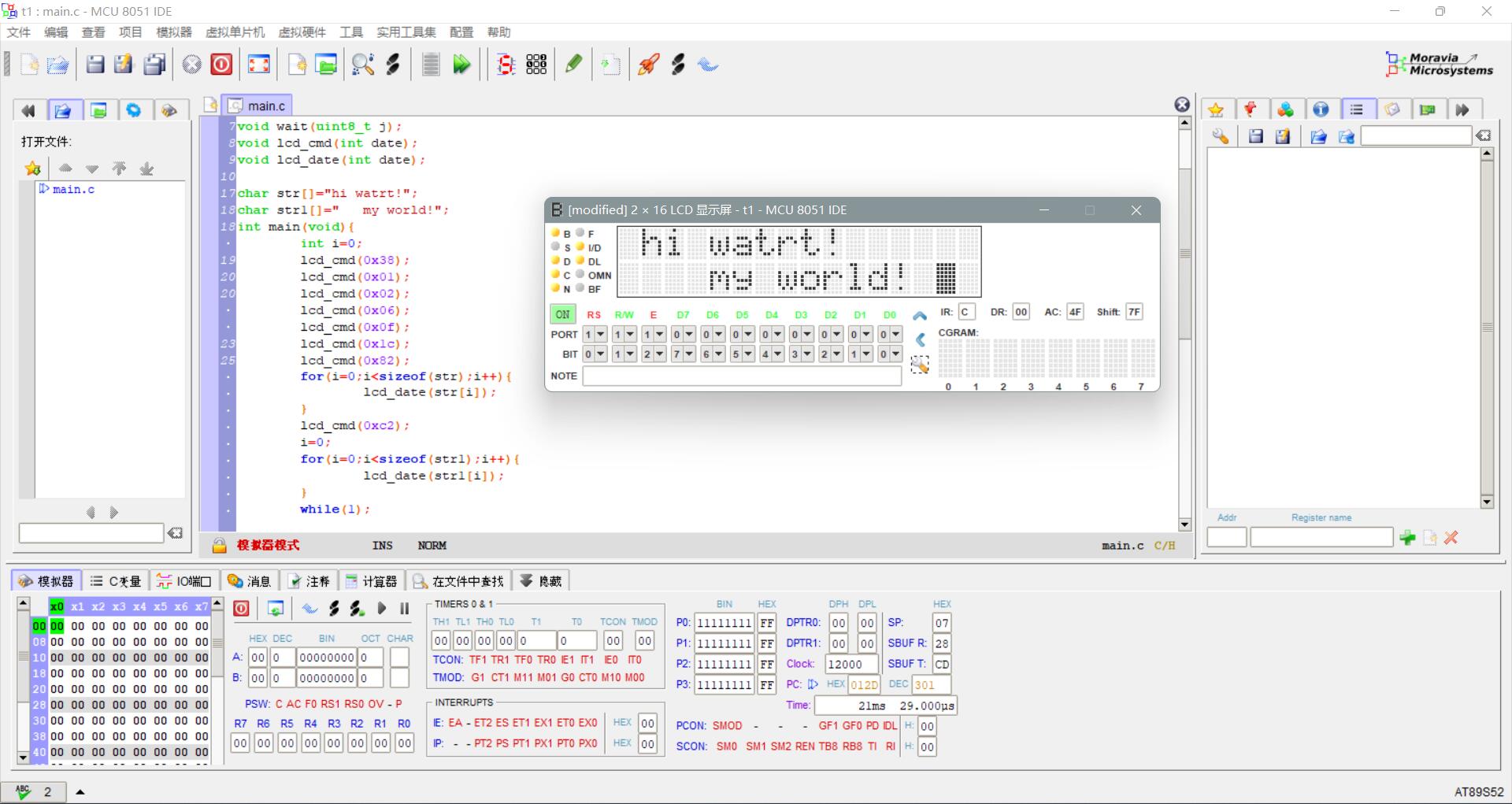
今天无意中发现在有一个叫mcu 8051 ide 的软件,试了一下。发现在功能强大,能进行很多硬件的防真。包括了,LED、数码管、矩阵、按钮、矩阵键盘、HD44780(与1602兼容),并且还支持中文,支持widnwos\linux\mac多平台,还是免费软件,这么强大的软件必须玩一下。1、首先:下载mcu8051ide: 下载地址:https://sourceforge.net/projects/mcu8051ide/files/ 2、然后下载编译器:sdcc: 下载地址:...
荔枝派Nano的linux5.2版本主线下载及编译(支持USB设备与主机模式)

安装必须的库:sudo apt-get install gcc make cmake rsync wget unzip build-essential git bc swig libncurses-dev libpython3-dev libssl-dev python3-distutils android-tools-mkbo...
f1c100s编译启动所需的uboot,kernel,rootfs
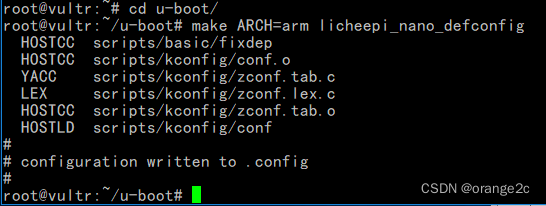
https://github.com/Icenowy/linux.git 有f1c100s-480272lcd-test和f1c100s分支, 然后自己手动修复一个 USB 问题,驱动就比较全了https://github.com/Lichee-Pi/linux.git 有nano-4.14-exp和nano-5.2-flash分支,用哪个合适个人画了块没有连接任何其他模块的F1C100S开发板,没有链接任何外设,本文是编译所有启动所需的三大件。(只要编...
排序方式

置换Array.prototype.swap = function(i, j) { var temp = this[i]; this[i] = this[j]; this[j] = temp; }算法 - 冒泡排序Array....
micrpython编译javascript版
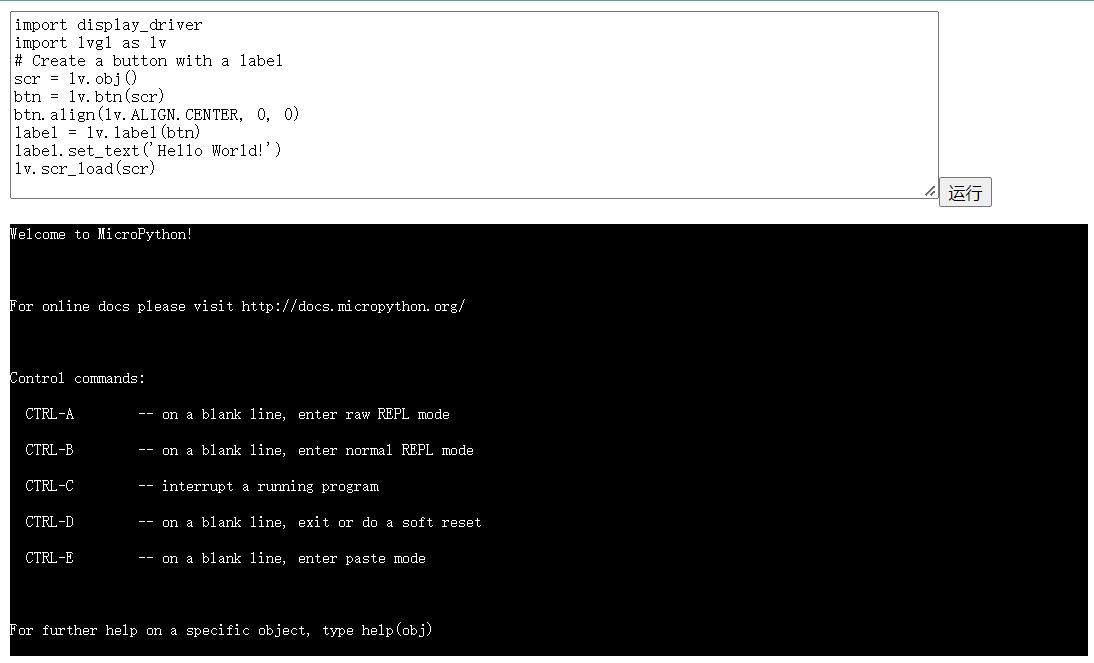
1、首先安装emsdkgit clone https://github.com/emscripten-core/emsdk.git cd <path-to-emsdk> git pull ./emsdk install latest ./emsdk activate latest source ./emsdk_env.sh2、获取micropython源码git clone&...
Configure & Build

Configure and build Linux kernel for Surface RTEditing kernel build configurationFirst run the command make ARCH=arm tegra_defconfigThis will create a standard kernel config for tegra SoC's.Open the file .config in the kernel source directory wit...